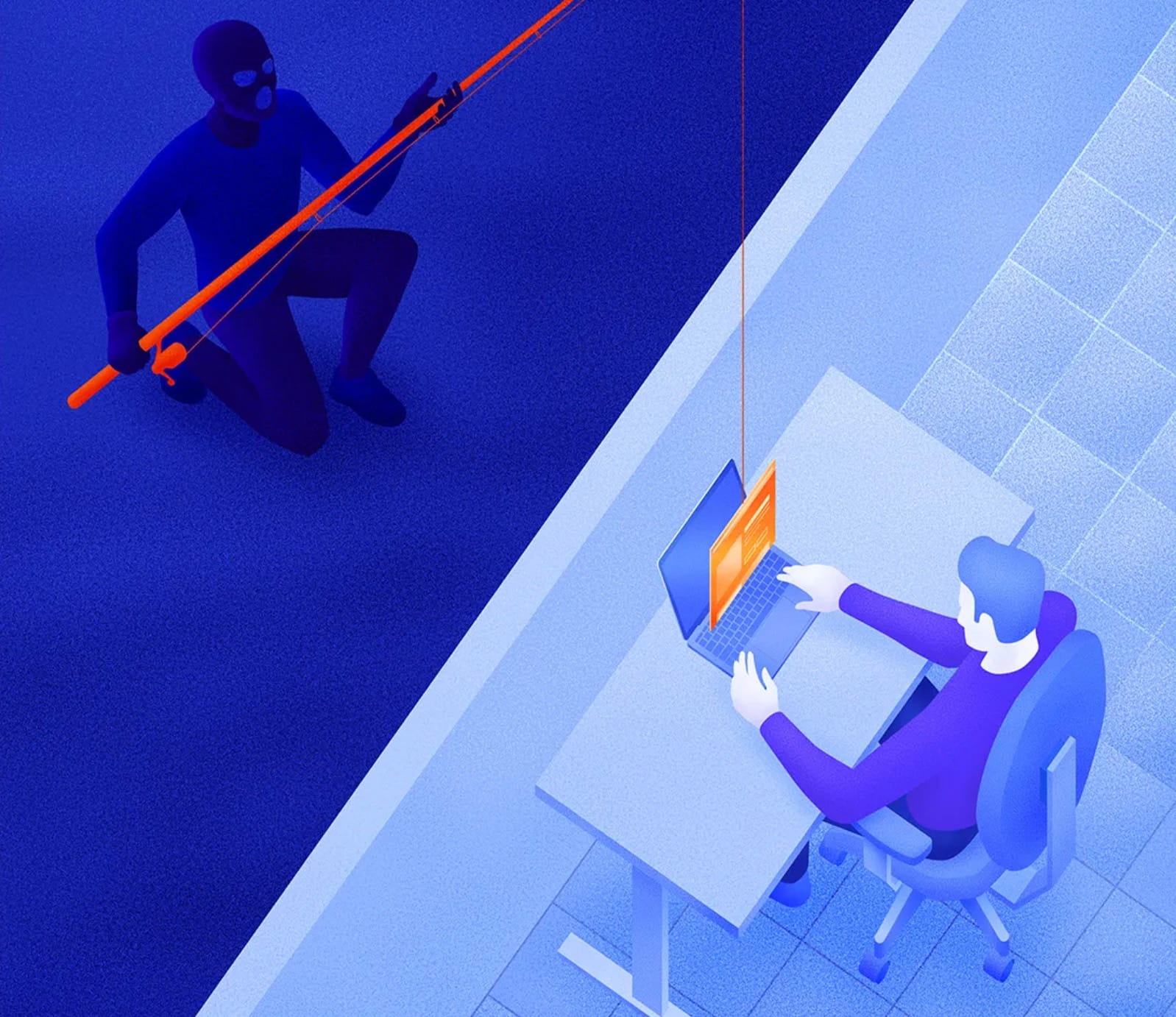
The attacks of Email phishing They have become increasingly sophisticated. Today, cybercriminals use professional designs, logos, formats very similar to those of real companies, and even domains that appear legitimate to deceive users.
The purpose of these messages is trick you into clicking on a link or entering your login details or payment information on a fake website.
In many cases, these emails appear completely legitimate at first glance.
Common examples of fraudulent emails
Phishing messages often use urgent or alarming situations to pressure the user to act quickly. Some common examples include:
• Your domain is about to expire and needs immediate renewal to avoid its loss.
• There is an outstanding invoice. which must be paid urgently to avoid service suspension.
• Your hosting or email account has been compromised, and you must verify your login details to restore the service.
• Suspicious activity was detected on your account, Therefore, you must confirm your identity.
• Mandatory security update, requesting that you log in to validate your credentials.
These emails usually include buttons or links that lead to fake websites, designed to look identical to the original service provider's page.
Once the user enters their data, attackers can steal credentials, access accounts, send spam, or even commit financial fraud.
How to protect yourself from phishing
Although these attacks are becoming increasingly convincing, there are several simple practices that can help you detect and avoid them.
❗ Think before you click
Before clicking on any link or button within an email, Hover your mouse cursor over the link (without clicking) to see the actual direction it is pointing.
If the address seems strange, contains errors, extra words, or a domain that doesn't match the service supposedly sending the message, Don't click.
❗ Always check the URL
If an email directs you to a page to log in or make a payment, Carefully check the website address in the browser bar..
Scammers often use domains very similar to the original, by changing small parts of the name or adding additional words.
For example, they can use variants such as:
• Domains with additional words such as billing, account or secure
• domains with hyphens or numbers
• Domains with intentional spelling errors
• Domains with different extensions (.net, .info, .co, etc.)
If the address does not exactly match the official domain of the service, It is very likely a scam.
❗ Always access it from the official website
If you receive an email indicating that you need to take urgent action on your account:
Do not click on the link in the email.
Instead:
1. Open a new browser tab.
2. Manually write the official service address.
3. Log in from there.
If there is indeed a problem with your account, a notification will usually appear within the official dashboard.
❗ Identify warning signs
Phishing emails often share certain patterns. Some red flags that should make you suspicious include:
• Messages with alarmist or urgent tone.
• Threats of Immediate suspension of service.
• Requests for passwords, bank details, or personal information.
• Grammatical errors or strange translations.
• Sender addresses that They do not match the official domain.
• Unexpected attachments.
Legitimate businesses They rarely request sensitive information via email.
❗ Contact support if you have any questions
If you're unsure whether an email is legitimate:
• Do not click on the links.
• Do not download attachments.
• Contact the service support team directly through their official channels.
It's better to verify first than to risk compromising your account or personal information.
conclusion
Phishing remains one of the most common forms of internet fraud, but with A little attention and good security practices It is possible to avoid most of these attacks.
Remember:
• Don't blindly trust emails that create a sense of urgency.
• Always check the links and the website address.
• Access the service directly from its official website.
• If you have any doubts, confirm the information with official support.
One wrong click can compromise your accounts, but a few seconds of verification can prevent it.